Benchmark Issues
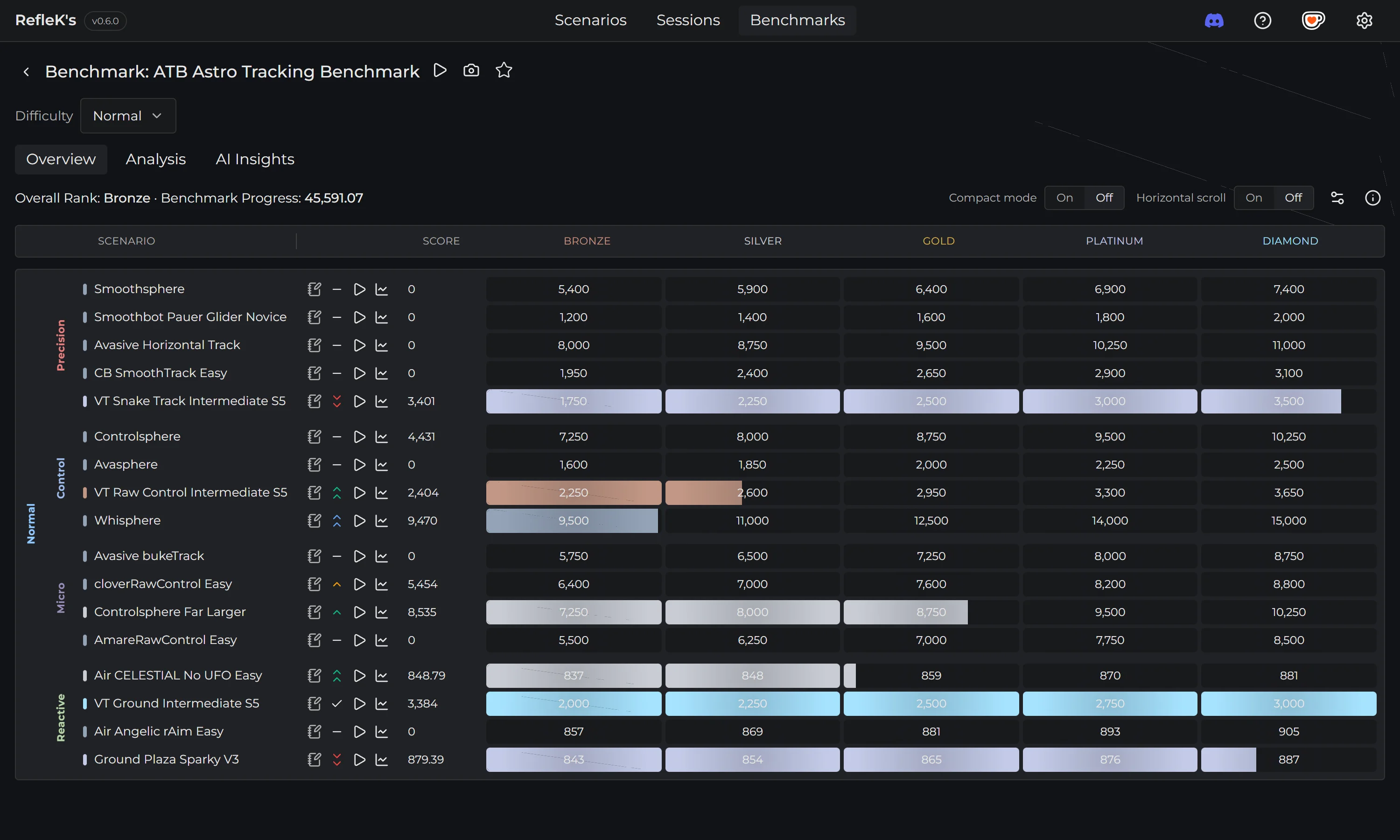
Fix benchmark progress not updating.
Rankings Not Updating
If your benchmark rankings aren't refreshing, try these steps:
Check Steam Detection
RefleK's detects your Steam username from your local Steam installation to fetch rankings from KovaaK's servers. If detection fails:
- Make sure Steam is installed
- Open Settings → Advanced
- Manually enter your SteamID or Persona Name
Refresh Rankings
- Open the Benchmarks page
- Click the Refresh button
- Wait a few seconds for rankings to update
Progress Not Tracking
If your runs aren't counting toward benchmark progress:
- Make sure you're playing the correct scenario name (exact match required)
- Check that runs are appearing in the Scenarios page
- Some benchmarks require specific settings or difficulty modes
Need help? Join our Discord server for assistance.