Benchmark Progress
Track your progress on official KovaaK's benchmarks.
Official Benchmarks
RefleK's includes all major KovaaK's benchmarks so you can track your progress toward rank goals. Your progress updates automatically as you play benchmark scenarios.
How It Works
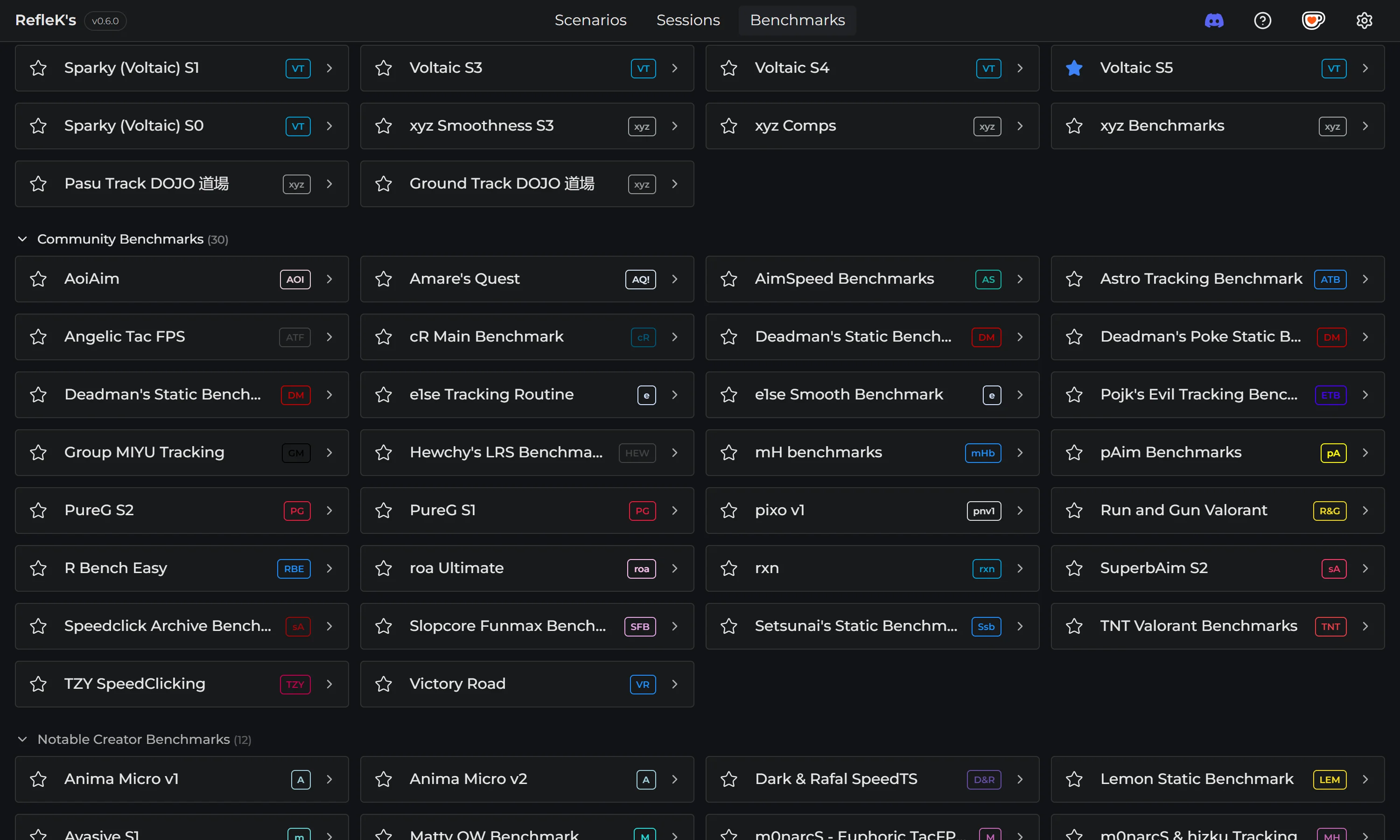
- Browse available benchmarks in the Benchmarks page
- Select a benchmark and difficulty level
- Play benchmark scenarios in KovaaK's
- Your scores are tracked automatically
- Progress bars show your current rank tier
- See exactly what scores you need for the next rank
Launch Playlists
Start practicing directly from RefleK's:
- Click the play button on any benchmark
- The benchmark playlist launches in KovaaK's
- Your runs are tracked automatically as you play
Steam Integration
RefleK's detects your Steam username automatically and uses it to fetch your benchmark progress from the KovaaK's servers.
- Your Steam username or ID is detected automatically from your local Steam installation
- Rankings are fetched from KovaaK's servers when you open the Benchmarks page
- No Steam profile visibility settings required
Favorites & Visibility
Focus on what matters with favorites and visibility controls:
- Favorites: Star benchmarks for quick access at the top of the list
- Hide ranks: Hide rank tiers you've already achieved or don't care about
- Auto-hide: Automatically hide completed ranks
Benchmark Analysis
For each benchmark, RefleK's provides:
- Overview: Your current rank, progress, and scores for each scenario
- Analysis: Performance trends and score history charts
- Scenario history: Click any scenario to see your run history
Benchmark Recommendations
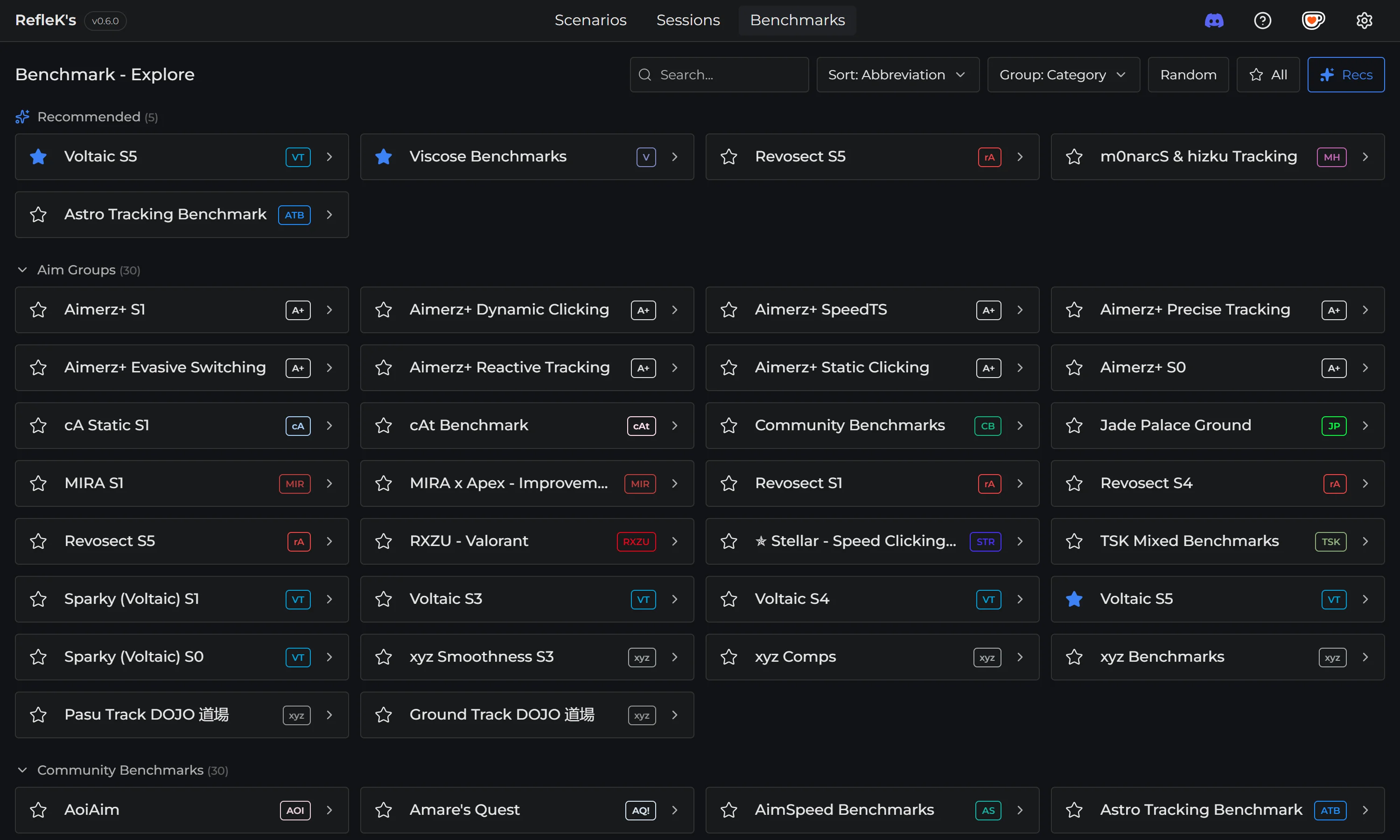
On the Explore page, enable recommendations to see which benchmarks you should focus on. Click the sparkle button in the toolbar to toggle recommendations on or off.
RefleK's prioritizes benchmarks based on your progression state - it favors benchmarks you've started but not finished, suggests next steps in your ladder, and adjusts recommendations for beginners who are just getting started.
Scenario Recommendations
Inside a benchmark, RefleK's analyzes your progress and recommends which scenarios to play next:
- Top Picks: Special recommendations based on high potential, category diversity, and recent focus areas
- Priority scenarios: Scenarios where you're closest to ranking up
- Weak points: Scenarios holding back your overall rank
- Quick wins: Where a small improvement would have the biggest impact
Look for the recommendation icons next to scenarios - they show you exactly where to focus your practice for the fastest rank progression.
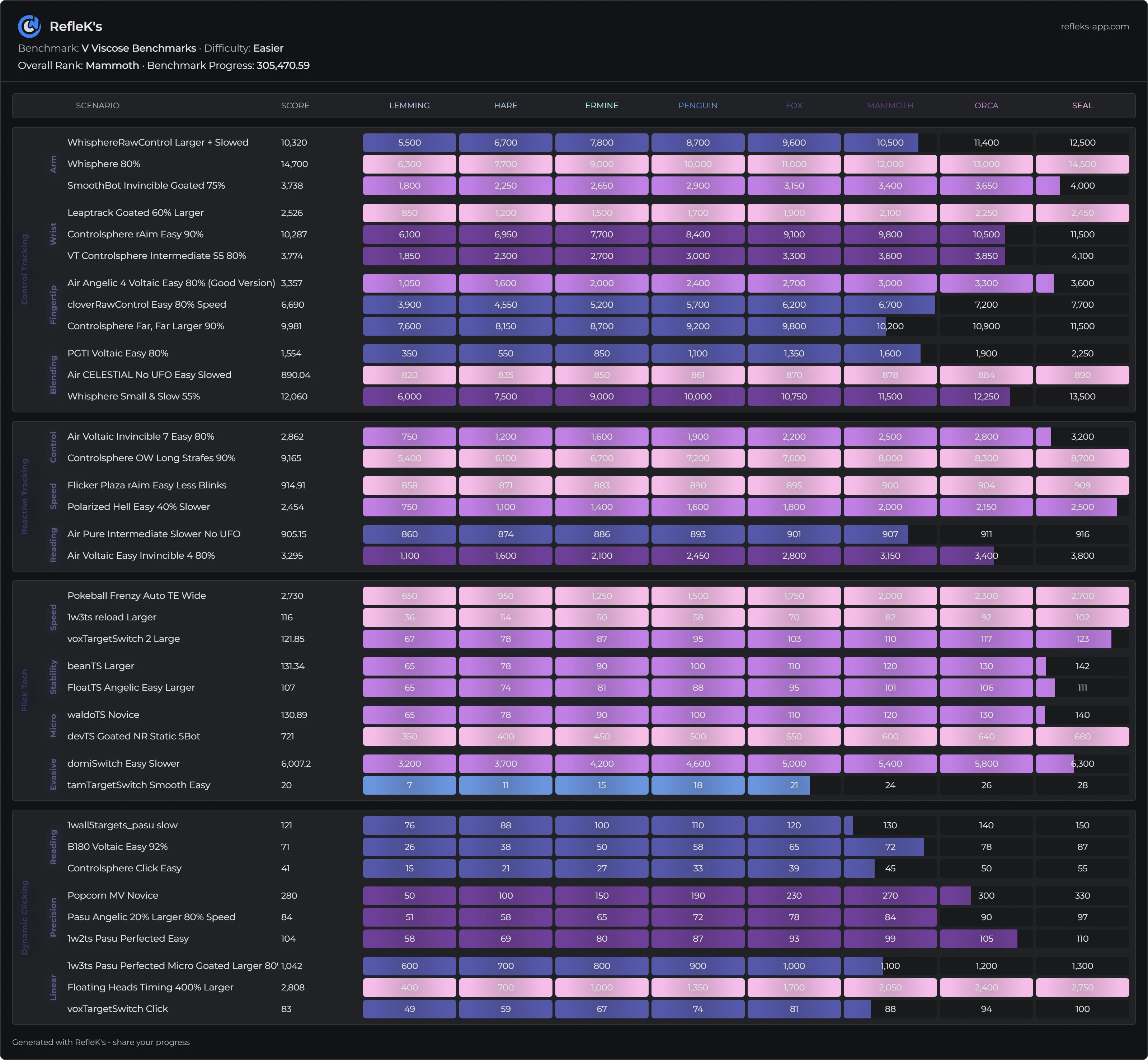
Share Your Progress
Share your benchmark progress with one click:
- Open a benchmark
- Click the camera/share button
- A polished image of your progress is copied to clipboard
- Paste it in Discord, Twitter, or anywhere else