Themes
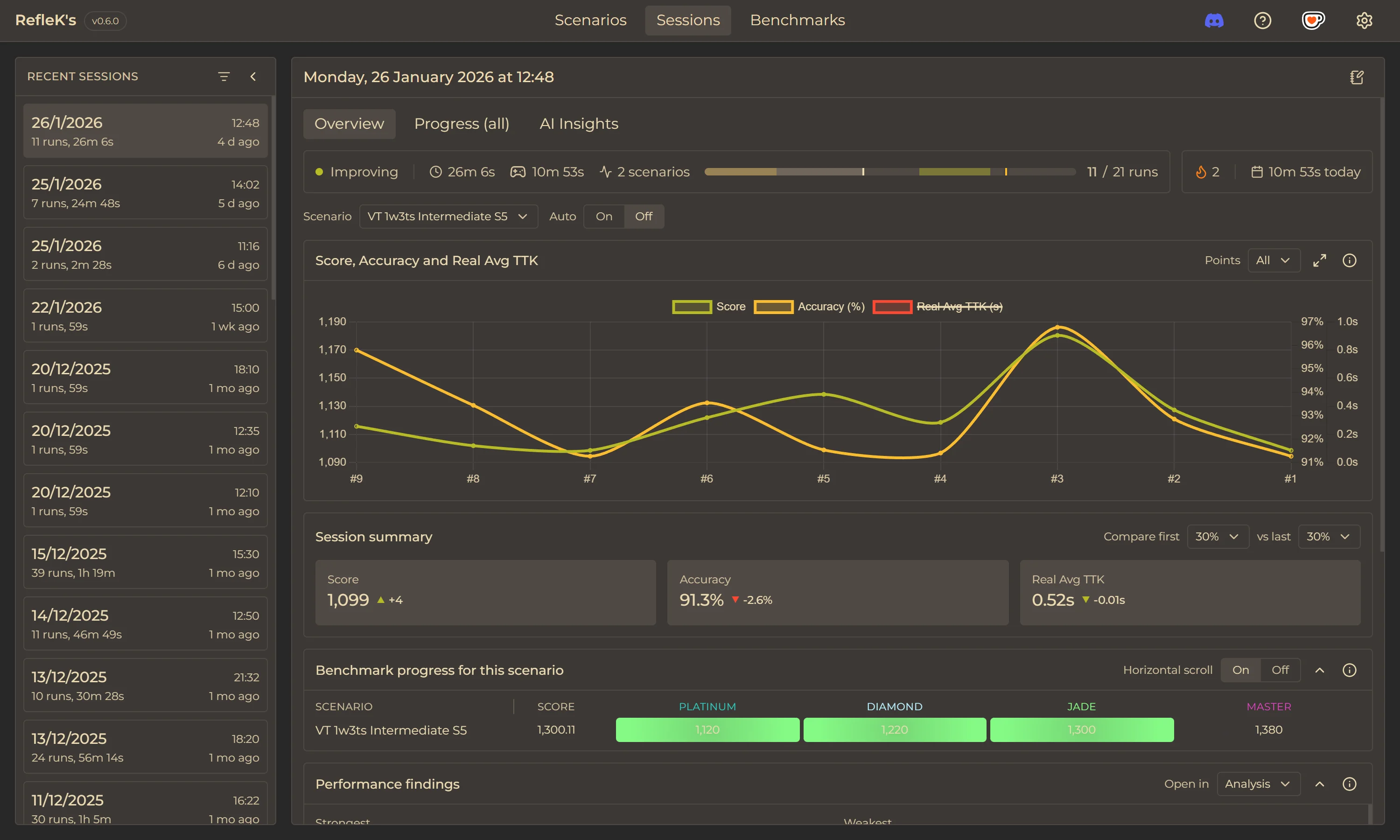
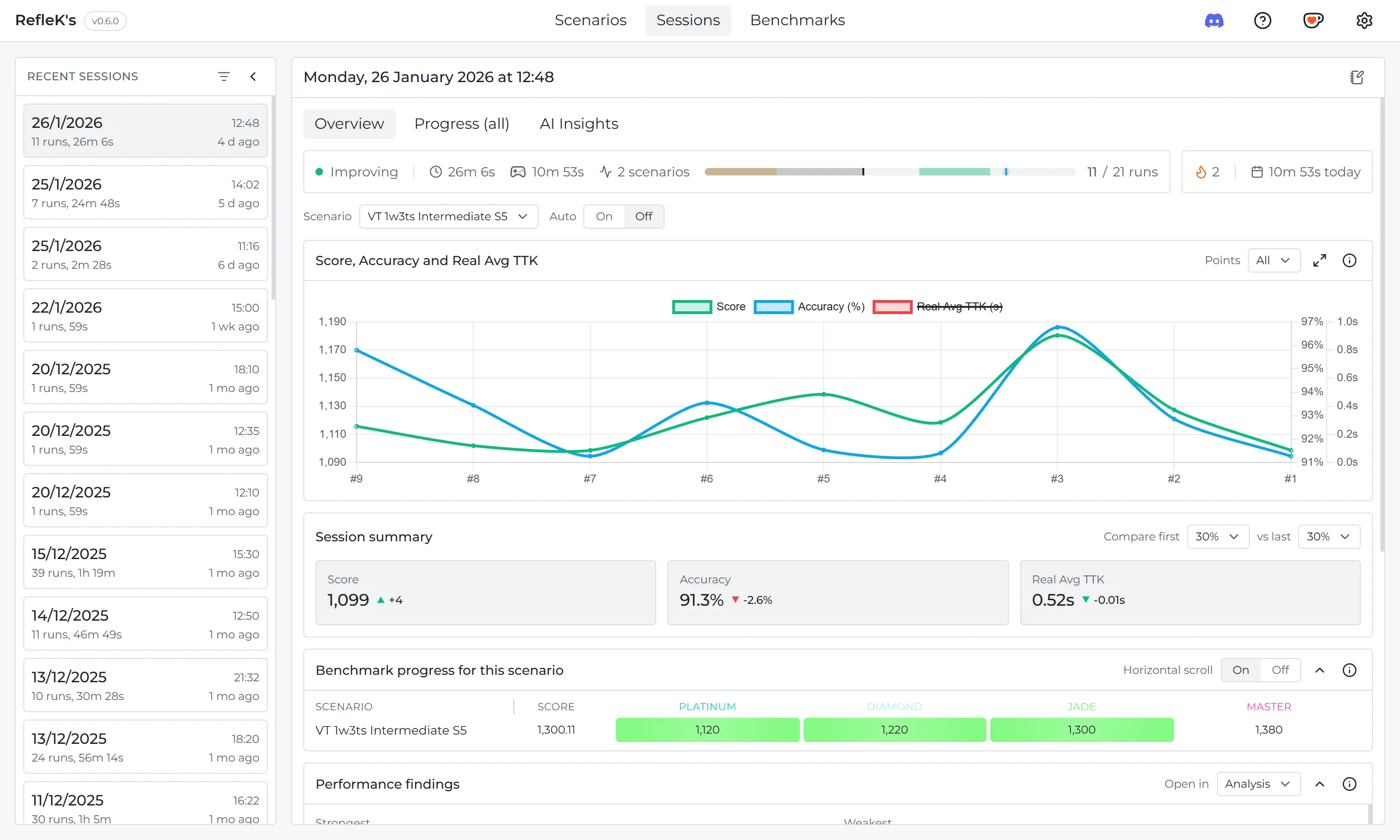
Customize the look of RefleK's with built-in themes.
Available Themes
RefleK's includes 10 built-in themes to match your setup. Theme changes apply instantly.
- Dark - Default dark theme with blue accents
- Light - Clean light theme for daytime use
- Dracula - Purple-accented dark theme
- Gruvbox - Warm retro dark palette
- Gruvbox Light - Warm retro light palette
- Nord - Cool blue arctic palette
- Ocean - Deep blue oceanic theme
- Solarized Dark - Popular low-contrast dark theme
- Solarized Light - Popular low-contrast light theme
- Midnight - Ultra-dark theme for late night sessions
Changing Themes
- Open Settings (gear icon in the top right)
- Go to Appearance → Theme
- Select your preferred theme
- The theme applies immediately
Font Options
You can also customize the font used throughout the app:
- Montserrat - Clean, modern sans-serif (default)
- Inter - Highly legible interface font
- JetBrains Mono UI - Monospace font for a technical look
Theme Persistence
Your theme and font preferences are saved automatically and persist between app restarts.