Sessions
Understanding how runs are grouped into practice sessions.
What Are Sessions?
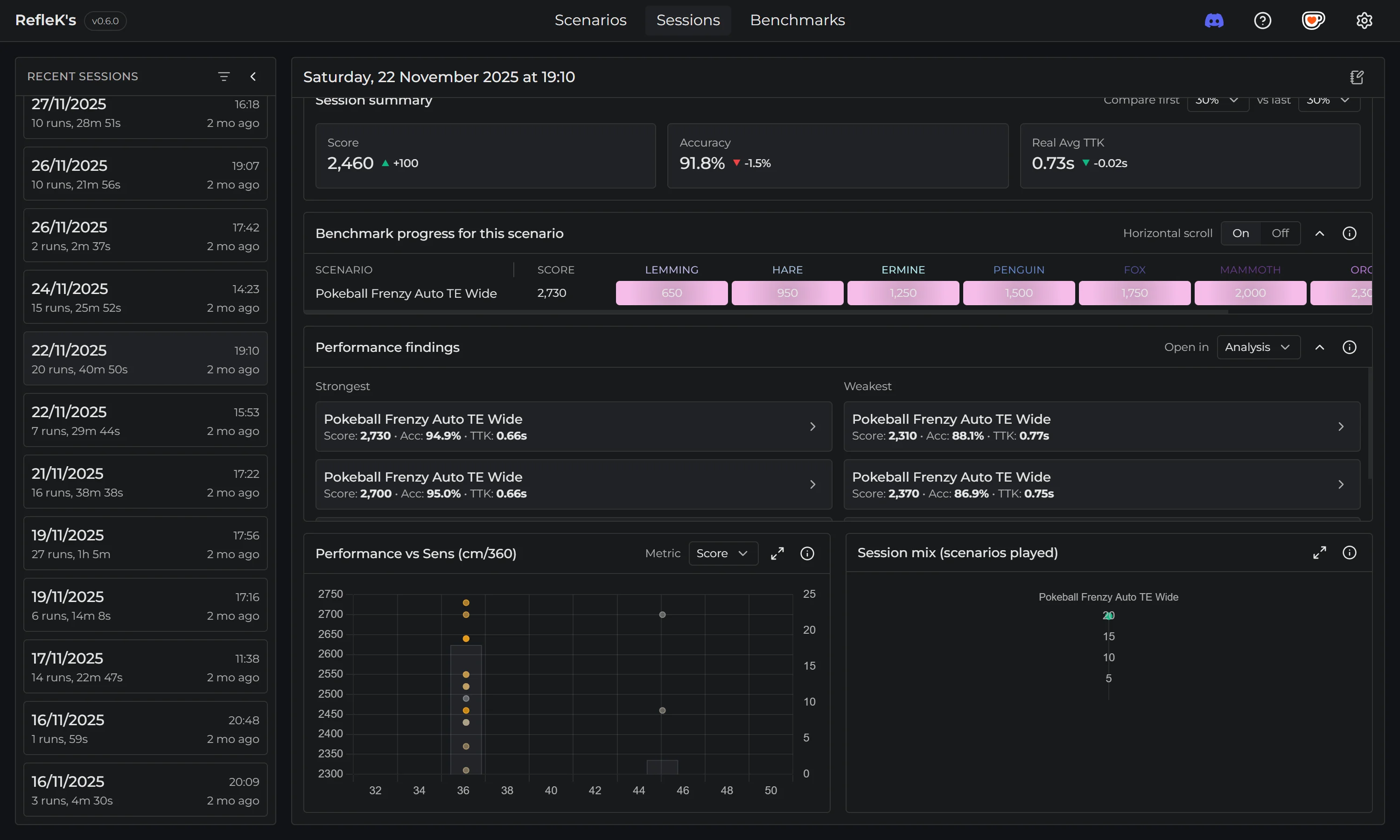
Sessions are groups of scenario runs based on timing. When you practice, RefleK's automatically groups consecutive runs into a single session, making it easy to review your training blocks.
How Grouping Works
Runs are grouped based on a time gap (default: 20 minutes). If the gap between your last run and the next run is within this time, they're part of the same session. Take a longer break, and a new session starts.
- Run at 10:00 AM → Session 1
- Run at 10:15 AM → Session 1 (15 min since last run)
- Run at 10:25 AM → Session 1 (10 min since last run)
- Run at 11:00 AM → Session 2 (35 min gap since last run)
Session Overview
Each session shows aggregated metrics and insights:
- Summary stats: Total runs, time spent, average score and accuracy
- Performance charts: Score, accuracy, and TTK trends over the session
- Scenario mix: Visual breakdown of scenarios practiced
- Best and worst runs: Highlight your strongest and weakest performances
- Daily activity: See your training history at a glance
Fatigue Detection
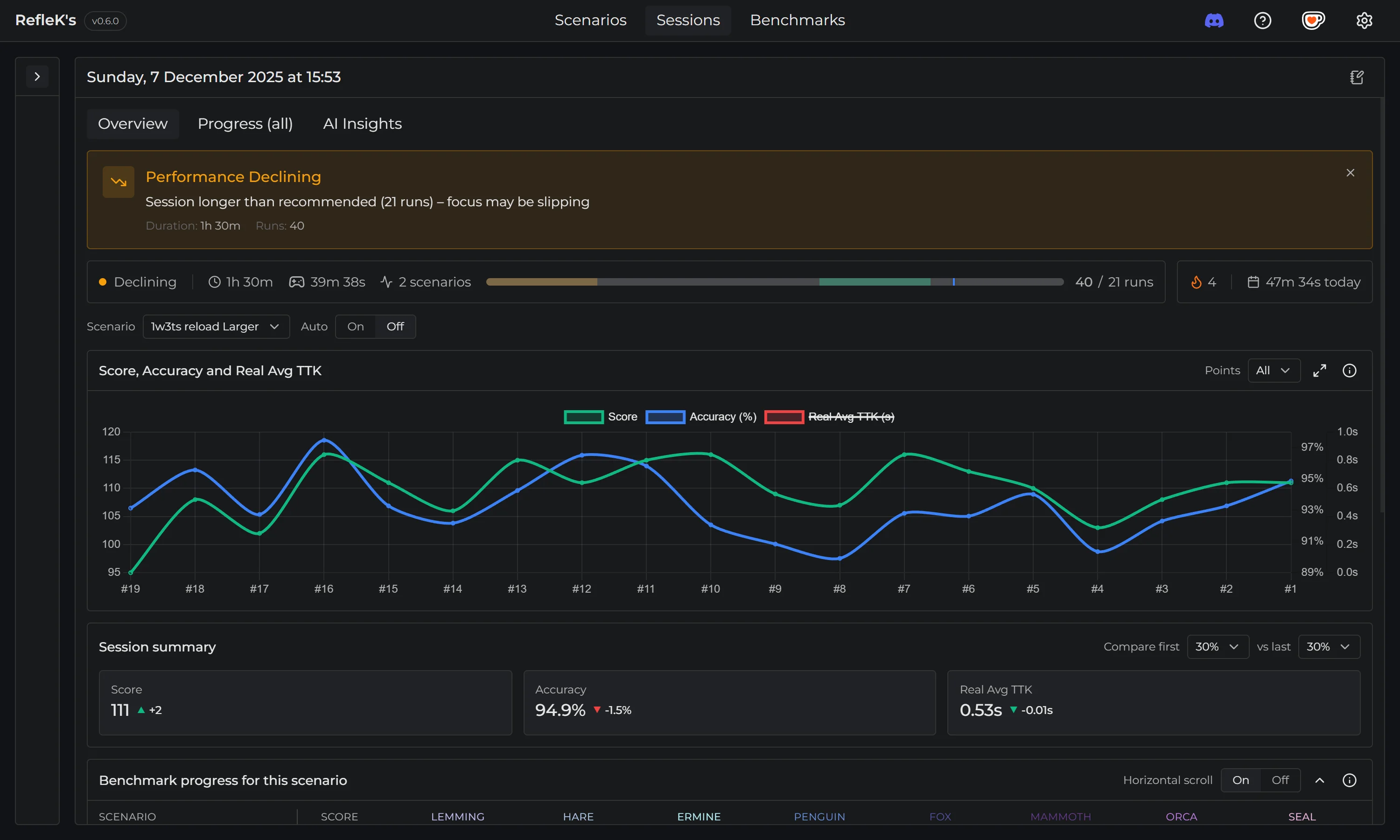
RefleK's monitors your performance during a session and alerts you when it detects signs of fatigue:
- Declining scores over consecutive runs
- Decreasing accuracy trends
- Performance dropping below your session average
When fatigue is detected, you'll see an alert suggesting it might be time for a break.
Session Notes
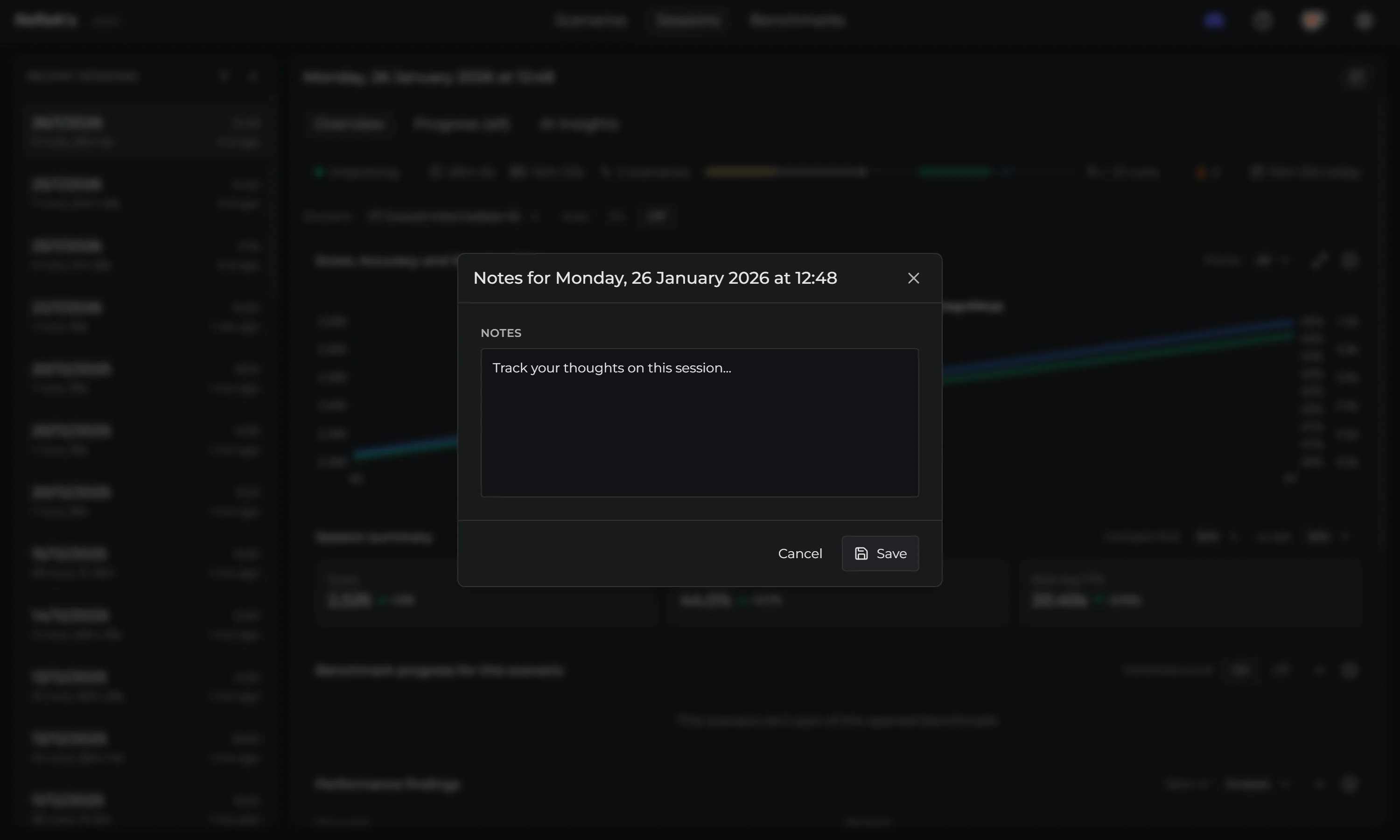
Add notes to any session to record what you were working on, how you felt, or any insights:
- Click on a session to view it
- Click the notes icon in the header
- Write your notes and save
You can also rename sessions to give them meaningful titles.
Filtering & Search
Find specific sessions using the filter and search options:
- Search: Find sessions by scenario name, date, or session name
- Filter by run count: Show only sessions with a minimum number of runs
- High scores: Filter to sessions containing personal bests
Adjusting the Session Gap
You can change the session gap to match your practice style:
- Open Settings (gear icon)
- Go to General → Session Gap
- Set your preferred gap (e.g., 30 minutes for longer breaks)